
Invisible Text Character Generator
Generate invisible text or blank characters to use in TikTok comments, WhatsApp messages, Instagram bios, or gaming usernames. Copy & paste empty text easily.
Pick how many blank characters you need, then copy with one tap.
What is an Invisible Character
Hey there! An invisible text generator is a super handy tool for grabbing attention on social media, and it’s a big hit on platforms like Instagram, TikTok, and WhatsApp right now. You can totally pull a fast one on your friends by sending them empty messages just to mess with their minds. It’s pretty funny because people will still take your messages seriously, even when there’s nothing there!
Hey there! Just a heads-up, you can’t use zero-width spaces for usernames, but they’re totally fine for display names. You can even get cheeky and use them in PUBG to mess with other players! There are tons of fun ways to prank folks with invisible text – a small text generator is your friend for that!
Types of Unicode & Invisible Empty Characters
If you’re using HTML format, remove the semicolon (;) and it will work.
| Unicode | Description | HTML Entity |
|---|---|---|
| U+0020 | Space |   |
| U+00A0 | No-Break Space | |
| U+2000 | En Quad |   |
| U+2001 | Em Quad |   |
| U+2002 | En Space |   |
| U+2003 | Em Space |   |
| U+2004 | Three-Per-Em Space |   |
| U+2005 | Four-Per-Em Space |   |
| U+2006 | Six-Per-Em Space |   |
| U+2007 | Figure Space |   |
| U+2008 | Punctuation Space |   |
| U+2009 | Thin Space |   |
| U+200A | Hair Space |   |
| U+2028 | Line Separator | 
 |
| U+205F | Medium Mathematical Space |   |
| U+3000 | Ideographic Space |   |
| U+2003 | Em Space |   |
| U+25A0 | Black Square | ■ |
| U+0009 | Horizontal Tab | 	 |
| U+000A | Line Feed | |
| U+000C | Form Feed |  |
| U+001C | File Separator |  |
| U+200B | Zero-Width Space | ​ |
| U+200C | Zero-Width Non-Joiner | ‌ |
| U+2060 | Word Joiner | ⁠ |
| U+2061 | Word Separator | ⁡ |
| U+2062 | Paragraph Separator | ⁢ |
| U+00AD | Soft Hyphen | ­ |
| U+034F | Combining Grapheme Joiner | ͏ |
| U+061C | Arabic Letter Mark | ؜ |
| U+115F | Hangul Choseong Filler | ᅟ |
| U+1160 | Hangul Jungseong Filler | ᅠ |
| U+17B4 | Khmer Vowel Inherent Aq | ឴ |
| U+17B5 | Khmer Vowel Inherent Aa | ឵ |
| U+180B | FVS1 | ᠋ |
| U+180C | FVS2 | ᠌ |
| U+180D | FVS3 | ᠍ |
| U+180E | MVS | ᠎ |
| U+200D | Zero Width Joiner | ‍ |
| U+200E | Left-to-Right Mark | ‎ |
| U+200F | Right-to-Left Mark | ‏ |
| U+202A | Left-to-Right Embedding | ‪ |
| U+202B | RLE | ‫ |
| U+202C | Pop Directional Formatting | ‬ |
| U+202D | Left-to-Right Override | ‭ |
| U+202E | Right-to-Left Override | ‮ |
| U+202F | Narrow No-Break Space |   |
| U+2063 | Invisible Separator | ⁣ |
| U+2064 | Invisible Plus | ⁤ |
| U+2066 | LRI | ⁦ |
| U+2067 | RLI | ⁦ |
| U+2068 | FSI | ⁨ |
| U+2069 | Pop Directional Isolate | ⁩ |
| U+206A | Inhibit Symmetric Swapping |  |
| U+2800 | Braille Pattern Blank | ⠀ |
| U+206B | Activate Symmetric Swapping |  |
| U+206C | Inhibit Arabic Form Shaping |  |
| U+206D | Activate Arabic Form Shaping |  |
| U+206E | National Digit Shapes |  |
| U+206F | Nominal Digit Shapes |  |
| U+3164 | Hangul Filler | ㅤ |
| U+FE00 | Variation Selector-1 | ︀ |
| U+FE01 | Variation Selector-2 | ︁ |
| U+FE02 | Variation Selector-3 | ︂ |
| U+FE03 | Variation Selector-4 | ︃ |
| U+FE04 | Variation Selector-5 | ︄ |
| U+FE05 | Variation Selector-6 | ︅ |
| U+FE06 | Variation Selector-7 | ︆ |
| U+FE07 | Variation Selector-8 | ︇ |
| U+FE08 | Variation Selector-9 | ︈ |
| U+FE09 | Variation Selector-10 | ︉ |
| U+FE0A | Variation Selector-11 | ︊ |
| U+FE0B | Variation Selector-12 | ︋ |
| U+FE0C | Variation Selector-13 | ︌ |
| U+FE0D | Variation Selector-14 | ︍ |
| U+FE0E | Variation Selector-15 | ︎ |
| U+FE0F | Variation Selector-16 | ️ |
| U+FEFF | Zero Width No-Break Space |  |
| U+FFA0 | Halfwidth Hangul Filler | ﻀ |
| U+FFFC | Object Replacement Character |  |
| U+133FC | EGYPTIAN HIEROGLYPH Z015B | 𓮼 |
| U+1D159 | Musical Symbol Null Notehead | 𝄙 |
| U+1D173 | Musical Symbol Begin Beam | 𝆓 |
| U+1D174 | Musical Symbol End Beam | 𝆔 |
| U+1D175 | Musical Symbol Begin Tie | 𝆕 |
| U+1D176 | Musical Symbol End tie | 𝆖 |
| U+1D177 | Musical Symbol Begin Slur | 𝆗 |
| U+1D178 | Musical Symbol End Slur | 𝆘 |
| U+1D179 | Musical Symbol Begin Phrase | 𝆙 |
| U+1D17A | Musical Symbol End Phrase | 𝆚 |
| U+E0001 | Language Tag | 󠀁 |
| U+E0020 | Tag Space | 󠀢 |
| U+E0021 | TAG EXCLAMATION MARK | 󠀣 |
| U+E0022 | TAG QUOTATION MARK | 󠀤 |
| U+E0023 | TAG NUMBER SIGN | 󠀥 |
| U+E0024 | TAG DOLLAR SIGN | 󠀦 |
| U+E0025 | TAG PERCENT SIGN | 󠀧 |
| U+E0026 | Tag Ampersand | 󠀨 |
| U+E0027 | TAG APOSTROPHE | 󠀩 |
| U+E0028 | TAG LEFT PARENTHESIS | 󠀪 |
| U+E0029 | TAG RIGHT PARENTHESIS | 󠀫 |
| U+E002A | TAG ASTERISK | 󠀬 |
| U+E002B | TAG PLUS SIGN | 󠀭 |
| U+E002C | TAG COMMA | 󠀮 |
| U+E002D | TAG HYPHEN-MINUS | 󠀯 |
| U+E002E | Tag Full Stop | 󠀰 |
| U+E002F | Tag Solidus | 󠀱 |
| U+E0030 | TAG DIGIT ZERO | 󠀲 |
Empty Text Generator Features
This awesome empty text generator is packed with cool features perfect for your social media! It’s super simple to use – just decide how many empty characters you need and copy them over. So, if you’re looking for, say, 10 empty spaces, just generate ’em!
Easy To Use
You can totally grab these invisible characters right from here and pop them into WhatsApp or any other social media!
User Friendly
It’s super easy to use, you can find whatever you need without any confusing buttons, just copy and go!
Free to Use
Pour pouvoir copier ces caractères cachés, la plupart des sites web demandent un abonnement mensuel.
Unlimited Numbers
Want to create tons of invisible text characters right away? No problem! You don’t need a subscription or to log in for anything.
Multiple Languages
Don’t stress about language compatibility at all, friend! It’s super welcoming to all languages, and you can copy and paste them just easily.
Testing Available
Just pop that empty character in here to give it a whirl!
How to Use Invisible Characters?
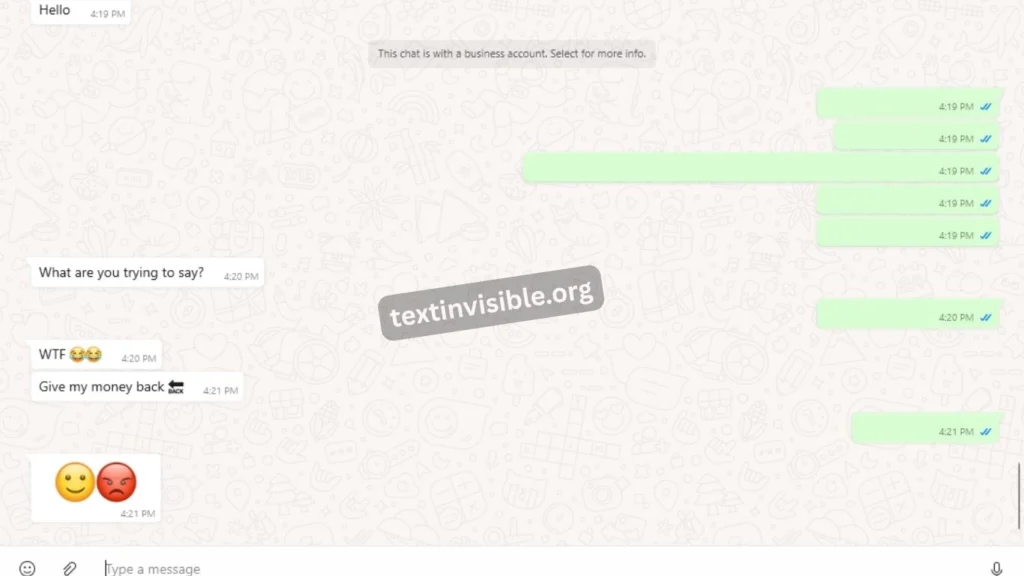
You know, the invisible character is a super cool tool that most folks don’t even know about, which is a shame because it’s so handy! You can really wow people with clever tricks, like sending a blank message on WhatsApp – it’ll totally make the next person scratch their head and wonder what’s up!
Here’s how you can use the invisible text you’ve created, and it’s super simple to do!
1. Copy Empty Characters with a Button
Hey there! Finding that special button to make invisible text can be a bit tricky sometimes. No worries though, just hit the button below to grab a bit of invisible character you can paste anywhere! If you’re looking to make a longer stretch of invisible text, you can totally do that too with the option up at the top.
Copy 2000 invisible characters for Instagram comments
Copy 7 invisible characters for quick use
2. Copy Blank Space Manually
If you’d like to copy it by hand for coding, creating apps, or websites, whether for development or to put it directly into your code, we’ve got you covered with both manual copy choices and the complete HTML code.
Manually Copy Selection = [ ⠀⠀⠀⠀⠀⠀⠀]
- Displays 7 invisible characters (
U+2800= Braille Pattern Blank). - Shows the HTML entity code so developers can use it in their code easily:
⠀is the HTML entity forU+2800.
Unlimited Invisible Letters Tool Online
Hey there! You can totally make tons of invisible characters with this cool tool – feel free to make as many as you want, even a thousand, but just remember to use them smartly!
Generate Empty Character Instantly
Hey there! First, just go ahead and grab those invisible characters you need using the button, so if you’re looking for ten of them, get those ten ready.
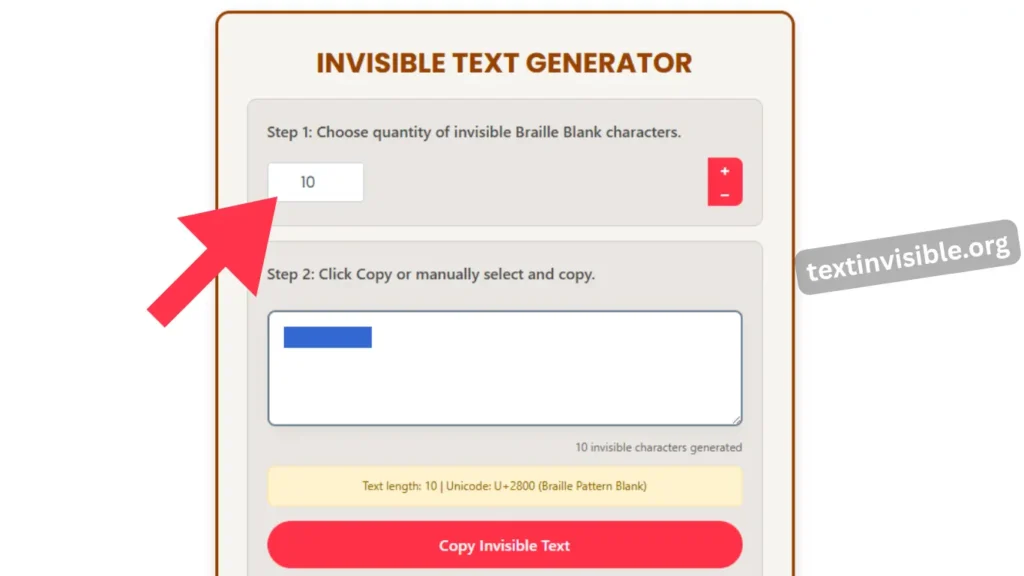
Copy and Paste the Character
Just a heads-up, after you copy that blank character, give it a speedy check on your device to see if it’s appearing correctly. You can even test it out right here to make sure it’s working perfectly!
Test and Adjust Before Use
Here’s a place to try it out if you’re unsure. If it’s not acting right, pop it in here to see if it’ll work before you share it on social media like WhatsApp, in Instagram comments, or in your Facebook name.
Blank Bulk Text Generator
If you’re looking for a blank text generator for pranks or any other fun stuff, this tool can whip up to 1,000 characters for you right away! And if you need even more, just hit the button below to get up to 2,000 characters – super handy and saves you lots of time!
Perfect for WhatsApp spacing and formatting
Where to Use Invisible Characters?
Hey everyone! So, you know how sometimes you see those super cool, eye-catching comments on social media platforms like WhatsApp, Facebook, TikTok, Instagram, and Discord? Well, a lot of people are using something called “invisible characters” to make their posts stand out. It’s a neat trick that can really help you grab people’s attention, and it might even give your profile a little boost and bring in more followers!
Hey, these invisible characters are super popular and really handy because most folks don’t even know they exist! This tool is awesome for sidestepping some tricky situations and can be a fun way to surprise or mystify people.
So, if someone sees your cool trick and tries to imitate it by hitting the space bar, it won’t work out for them! That’s because the “empty” character is actually a special Unicode sign called Braille Pattern Blank. You won’t find it on regular phones, and it’s something you can only get from those websites that list invisible characters.
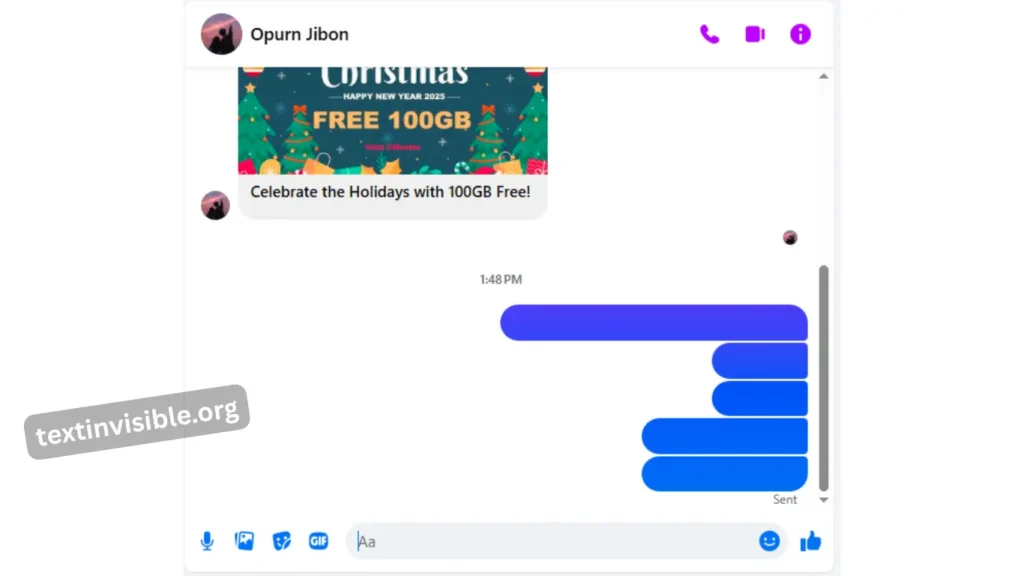
1. Invisible Text on Whatsapp and Massenger
You’ll see this a lot on apps like WhatsApp and Messenger, and folks use it to add a bit of fun with their loved ones. If your chats are feeling a little dull, jazz them up by throwing this in to make things more lively when you send it!
2. Invisible Character on Discord
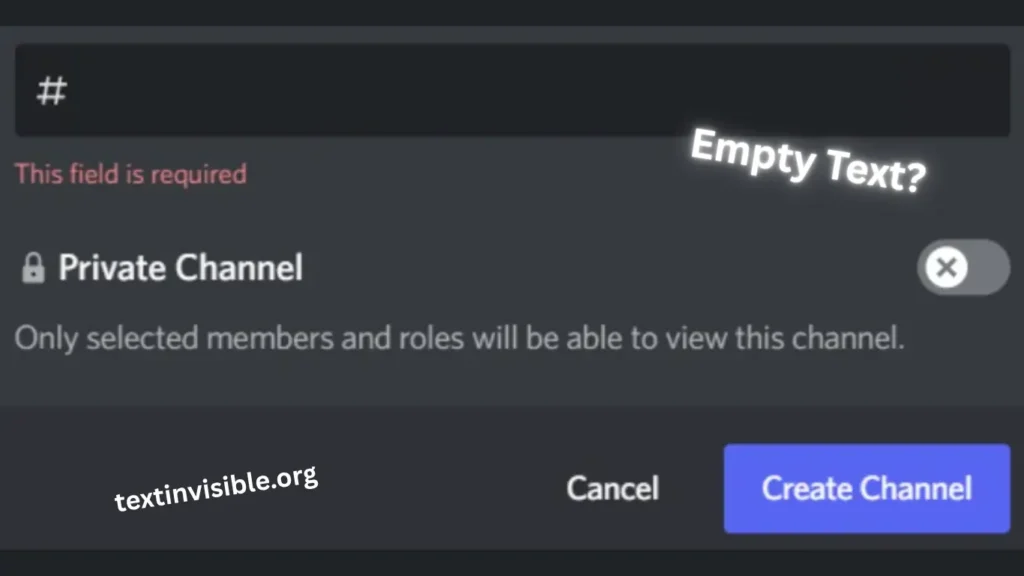
Hey, messing around with invisible characters on Discord can be a blast, but try not to go overboard! If the admins spot a bunch of empty messages, they might just kick you out of the channel. So, keep it fun but safe, okay? You could even post some silly text and tag your friends you’re planning to tease. It gives off a mysterious vibe, and who knows, even the admin might get a chuckle out of it if you don’t overdo it!
3. Empty Character on Tiktok
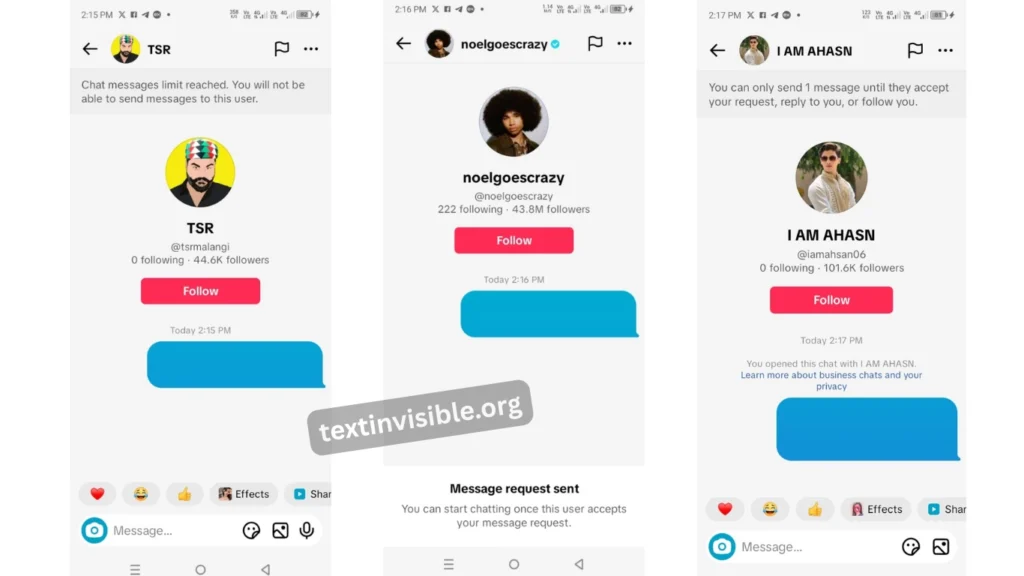
TikTok blank comment don’t work because of limits or privacy rules. TikTok may delete your comment or block you from commenting for a while. But you can still use them in TikTok messages it works there without any problem. If you want to post a blank comment on TikTok, you need to read this article.
4. Empty Text for IG Bios or Usernames
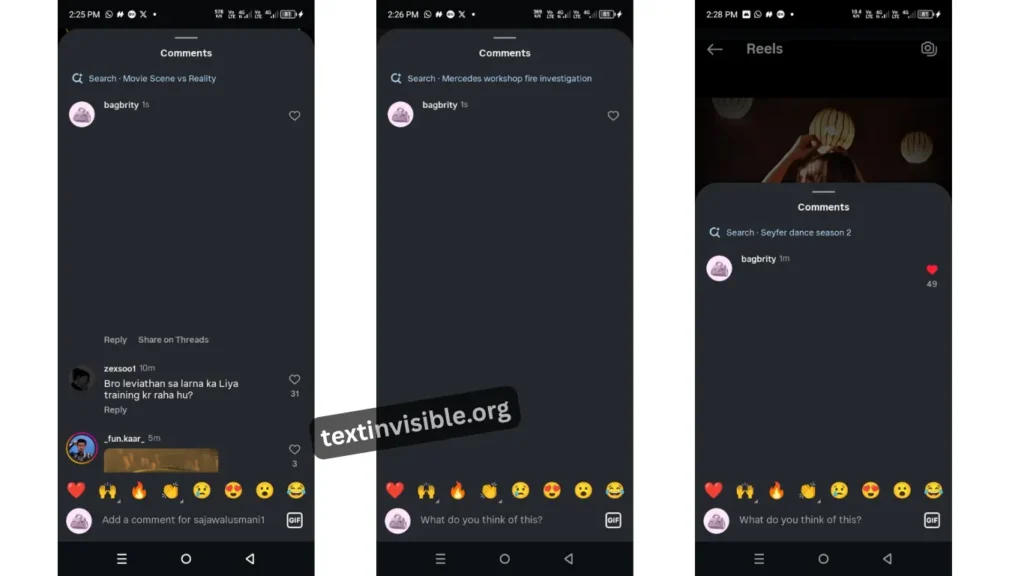
Hey there! Instagram’s a super fun place that can totally help draw folks to your profile. Plus, it’s a great way to get more followers and make your profile way more noticeable. Seriously, it’s one of the best! You can even use invisible text to pop in empty captions or comments. Pretty neat, huh?
5. Invisible Text on Youtube
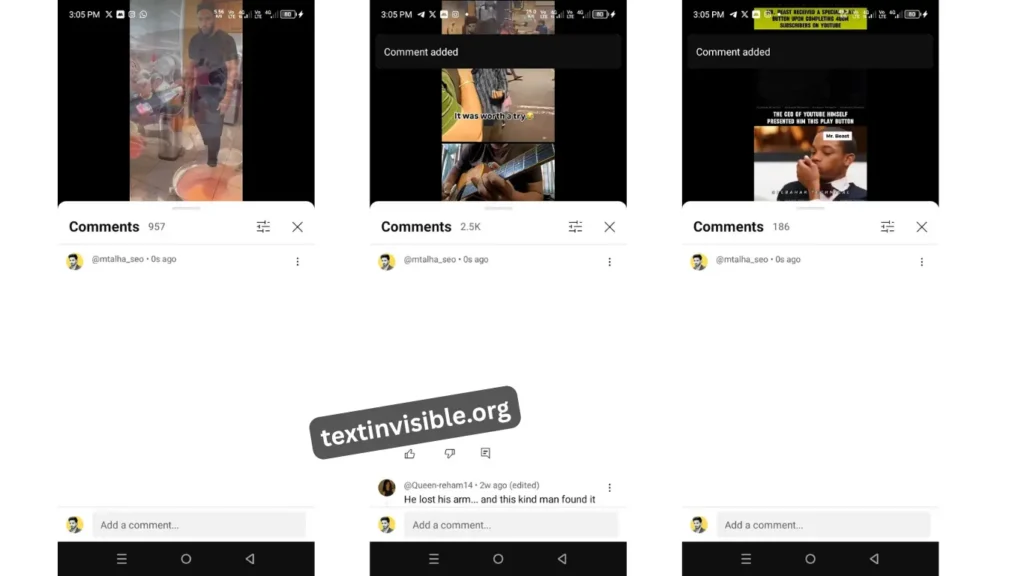
Hey there! Want to see your YouTube comments get noticed? Here’s a cool trick: comments with tons of likes usually get featured right at the top! So, if you comment on brand new videos, fresh viewers might see your awesome words and hit that like button. The more likes you get, the higher your comment will go!
Hey, commenting on popular things is a fantastic way to get your thoughts seen! If you’re quick and comment on a brand new video, maybe just ten minutes after it’s up, your comment could even land at the top. This can really help bring more visitors to your channel and get your view count climbing!
Hey, using invisible typing text can be super handy if you try it out like this!
Empty Text on Gaming Profiles
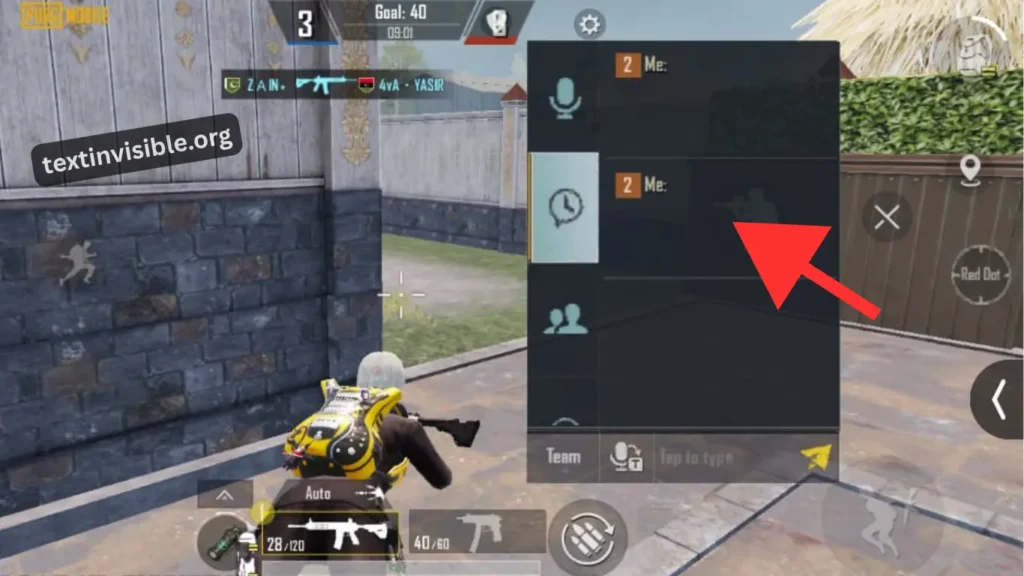
Hey there! So, it turns out that that empty text thing is actually a really neat trick for gaming! You can totally have a blast with it and use it whenever you want to add some extra fun. After social media, gaming is probably the prime spot for it. You can even pull a fast one on your teammates, and they might just fall for it! It’s a cool way to liven up your gaming time.
Blank Name for Gaming / PUBG / Free Fire
Hey, so there are tons of voice packs out there now, but they all kinda feel the same, right? You know what’s super fun to mess with your friends? Invisible text typing! Then, when they ask what you sent, you can just be cheeky and say, “I sent a message, maybe you need to update your PUBG or Free Fire.”
This way, you can kick off a hilarious prank and make your gaming time way more exciting!
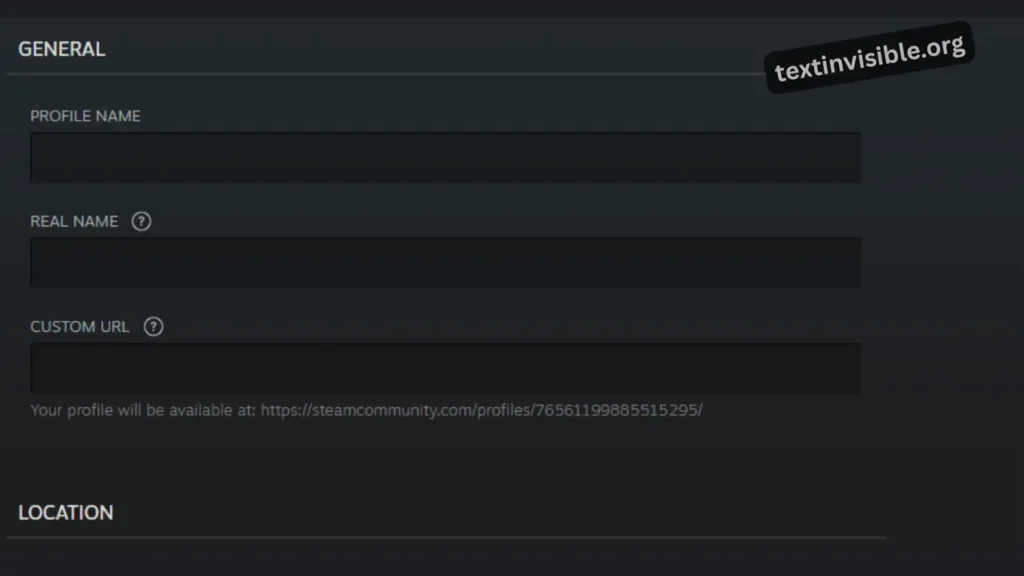
Invisible Text for Steam
Hey there! If you’re hanging out with your pals on Steam and wanna spice things up a bit, you can totally use invisible text in the forums or community areas! It’s a cool little trick to make your post stand out. You can even make your username look invisible so no one can see who’s talking. It’s a really fun way to be a little sneaky and pull off a prank! Just keep in mind, your real username will still show up.
Benefits of Using Invisible Characters
In today’s world, being a bit incognito can be super handy, and using invisible or empty text is a neat trick for just that! You can actually create “empty” names that help you fly under the radar of search algorithms. Plus, you can jazz up your social media bio with invisible characters to make your profile stand out and catch people’s eyes – it’s a fun way to give your profile a unique vibe!
Invisible Text vs Fancy Text
Invisible Text
Fancy Text
Frequently Asked Questions
Conclusion
In this article, we’re going to dive into the super fun world of using invisible empty text. We’ll walk you through how to use it the right way and how it can actually boost your follower count on social media. Plus, we’ll chat about which platforms are cool with invisible characters. Just a heads-up, you can’t use them for comments on TikTok or Reddit, but they totally work in messages! We’ll also give you the lowdown on how invisible characters stack up against fancy text.


